
SnapInsta – Instagram Video Downloader
- HD MP4
- No Watermark
- No Login
- Free
Works on iPhone · Android · Windows · Mac
How to Use SnapInsta
1. Copy the Instagram Link
Open the post, Reel or video in Instagram. Tap the paper plane (Share) icon or the three dots, then tap Copy link. For a profile, copy the username or the profile URL.
2. Paste the Link on SnapInsta
Come back to this page and paste the link into the box at the top. You can pick a tab, but the tool spots the type of post for you.
3. Tap Download
A preview appears with clear buttons: Download HD Video, Download Video, Download MP3 and Download Cover for videos, or one button per photo for picture posts. Tap the one you want and the file saves to your device.
SnapInsta is a free Instagram video downloader and Instagram downloader in one. Copy a link from Instagram, paste it in the box above and tap Download. Videos, Reels, photos and profile pictures are saved in HD on your phone or computer, with no app and no login.
What Is SnapInsta?
SnapInsta is an online tool that saves public Instagram posts to your device. Instagram lets you save posts inside the app, but those saves stay in Instagram. If you want the actual video or photo file, to watch offline, edit or keep as a backup, you need a downloader.
This Instagram downloader works in your browser. You don't install anything, and you never type your Instagram password. All it needs is the link to a public post. Paste a video link and you get the MP4. Paste a photo or carousel link and you get every picture. Type a username and you get the profile picture.
What You Can Download With SnapInsta
| Content | Format | Tool |
|---|---|---|
| Videos from feed posts, carousels and IGTV | MP4, HD with sound | This page |
| Instagram Reels | MP4 | Reels Downloader |
| Photos and carousel posts | JPG, full size | Photo Downloader |
| Sound from Reels and videos | MP3 | Audio Downloader |
| Profile pictures | JPG, full size | Profile Picture Downloader |
Every tool uses the same box, so once you've done one Instagram video download, you know how to use them all.
Instagram Video Download on Any Device
On Android
Open Chrome or Samsung Internet, paste the link here and tap Download. The MP4 goes into Files > Downloads and shows up in your Gallery a few seconds later. Our Android guide shows where to find the file on every brand of phone.
On iPhone and iPad
Use Safari on iOS 13 or newer. After you tap Download, Safari asks to confirm, so tap Download again. Open the Files app, go to Downloads, open the video and tap Share > Save Video to add it to Photos. The iPhone guide walks you through it with pictures.
On Windows PC and Mac
Open the post on instagram.com, copy the address from the top of your browser and paste it here. Click Download and the video lands in your Downloads folder. See the PC guide for Chrome, Edge, Firefox and Safari on Mac.
Video Quality and Formats
SnapInsta saves the highest quality Instagram has for each video. When Instagram stores a sharper version, you get a Download HD Video button for it. Videos come as MP4 with sound, which plays on every phone, computer and TV. The tool can't sharpen a video that was uploaded in low quality, so what you see on Instagram is the best you can get.
| Video type | Supported |
|---|---|
| Videos in feed posts | Yes |
| Videos inside carousel posts | Yes, each one on its own |
| IGTV and long videos | Yes |
| Reels | Yes |
| Videos without sound | Yes, saved as they are |
| Videos from private accounts | No |
| Live streams | No |
Why People Use SnapInsta
- Watch offline. Save recipes, workouts and tutorials for when you don't have internet.
- Back up your own posts. Keep a copy of your videos, photos and Reels in full quality.
- Edit your own content. Download your Reel to trim it or reuse it on another platform.
- Keep memories. Save a friend's video from a trip, with their permission.
- Study and research. Save public examples for a class or a project.
- Copy the caption. The post text appears under the result with a Copy button, so you can keep recipes and notes too.
Features of SnapInsta
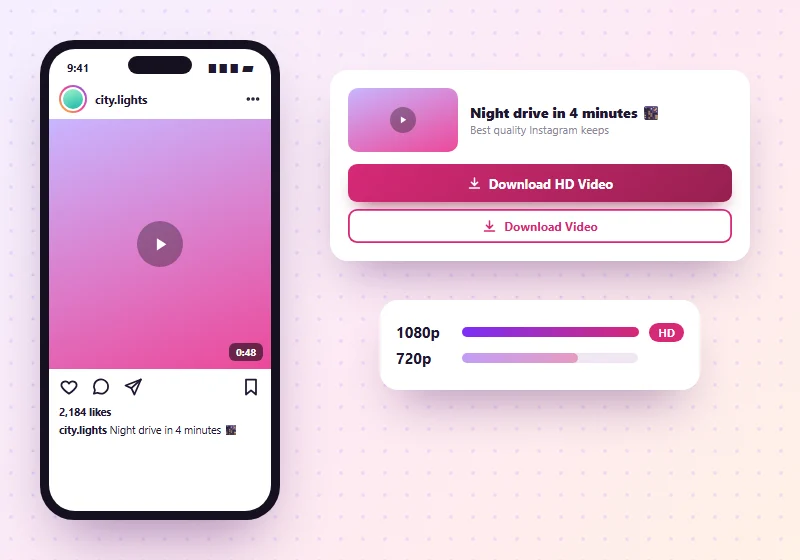
HD Quality
We save the best quality Instagram has for each post. Videos come as MP4 and photos as JPG, in the size Instagram stores them.
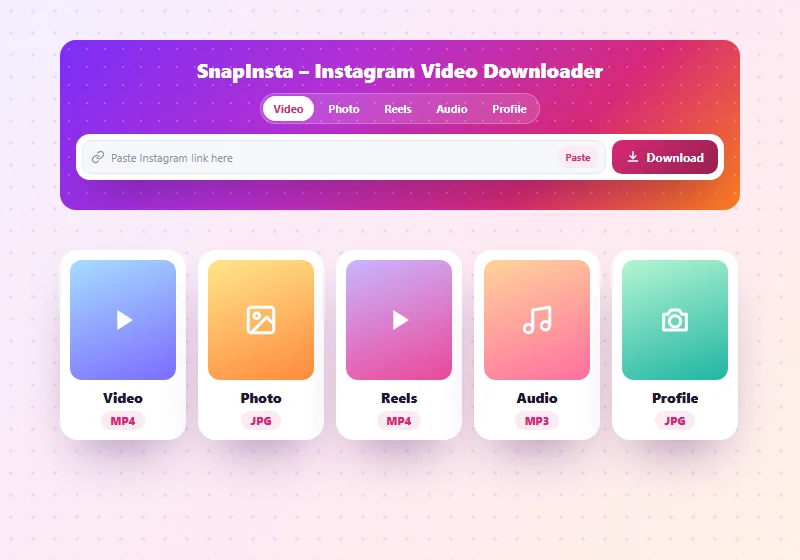
All Content Types in One Place
Videos, Reels, photos, carousels, audio and profile pictures all work from the same box. You don't need a different site for each one.
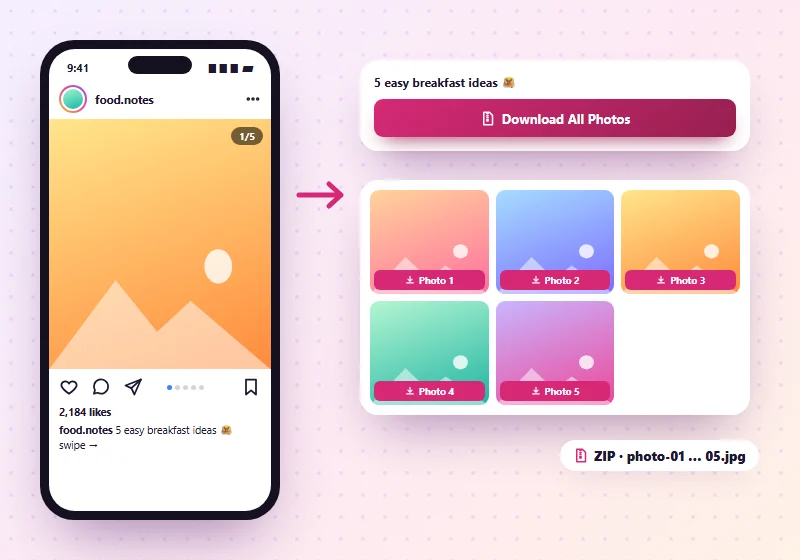
Carousel Support
Posts with up to 20 photos or videos show each item on its own, so you can save just the one you want, or all photos at once as a ZIP.
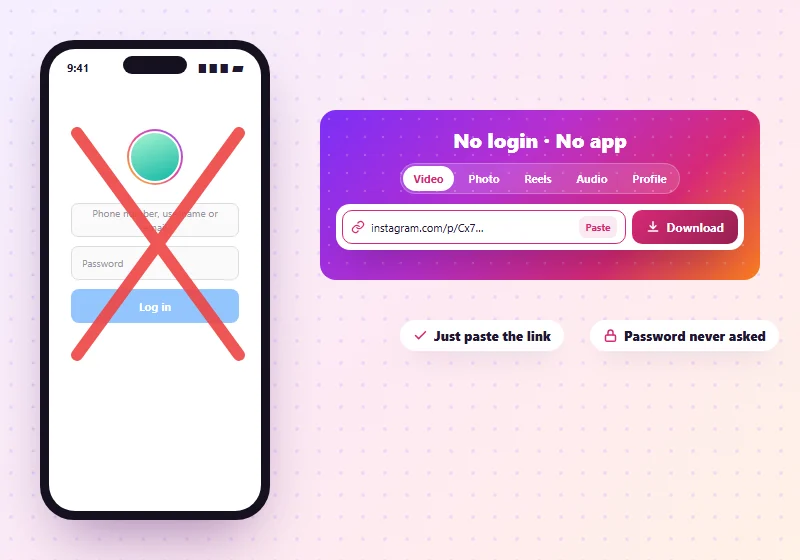
No Login, No App
You never sign in to Instagram on our site, so your account stays private. Everything happens in your browser.
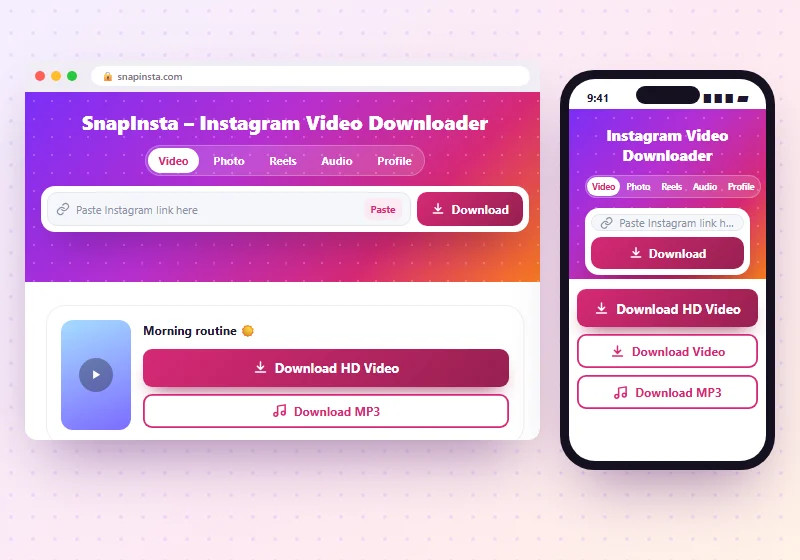
Works on Any Device
Use it on iPhone, iPad, Android, Windows or Mac, in Chrome, Safari, Edge or Firefox.
Free to Use
It's free to use, with no daily limit. The site is supported by ads.
Where Do My Downloads Go?
| Device | Where to look |
|---|---|
| Android | Files > Downloads and usually your Gallery |
| iPhone / iPad | Files app > Downloads. Open the file, tap Share, then Save Video or Save Image to add it to Photos |
| Windows / Mac | Your Downloads folder |
What SnapInsta Can't Do
- Private accounts: only public posts can be downloaded. We don't support private content.
- Stories and Highlights: Instagram only shows these to logged-in users, so we don't offer them.
- Deleted posts: once a post is removed from Instagram, it can't be saved.
- Live videos: live streams can't be downloaded while they're happening.
- Bulk downloads: you save one post at a time.
Download Responsibly
Every photo and video on Instagram belongs to the person who posted it. Please:
- Save posts for personal use, or download your own content.
- Ask the owner before you share or repost their work.
- Credit the creator whenever you share with permission.
- Never sell or earn money from someone else's content.
Is SnapInsta Safe?
Our Instagram downloader doesn't ask for your login or any personal details, and there's nothing to install. That keeps your account safe.
Like most free Instagram downloader sites, we show ads. If you ever see a pop-up telling you to install an app or "fix" your phone, close it. The only button you need is our Download button.
SnapInsta Not Working? Quick Fixes
"Invalid link"
Copy the link again from Instagram's Share menu. Links should start with instagram.com.
"Video is private, deleted or not available"
The account may be private, or the post was deleted. Check that you can see it while logged out of Instagram.
The video opens instead of downloading
Long-press (or right-click) the download button and choose Download link or Save link as.
Nothing happens on iPhone
Use Safari and update iOS if you're on an older version.
All Instagram Downloader Tools
Frequently Asked Questions
Is SnapInsta free?
Yes. SnapInsta is free to use with no sign-up and no daily limit. The site is supported by ads.
How do I download an Instagram video?
Copy the post link from Instagram's Share menu, paste it into SnapInsta and tap Download. Your Instagram video download is saved as an MP4 in a few seconds.
Do I need to log in to Instagram?
No. We never ask for your Instagram username or password.
Can I download Instagram Reels with SnapInsta?
Yes. Paste the Reel link into the box and tap Download. The Reel saves as an MP4 with its sound.
Can I save all photos from a carousel post?
Yes. Each photo and video in the post shows up with its own download button, and Download All Photos saves every picture in one ZIP.
Can I download just the audio of a video?
Yes. Tap Download MP3 under the preview, or use our audio downloader for Reels and videos.
Can I download from private Instagram accounts?
No. Only public posts can be downloaded.
Does the owner know I downloaded their post?
No one is notified, and we don't interact with the owner's account.
Where are my downloads saved on iPhone?
In the Files app, in the Downloads folder. You can move them to Photos from the Share menu.
Can I use SnapInsta on PC?
Yes. Copy the post link from Instagram in your browser, paste it here and click Download.
Does SnapInsta keep my downloads?
No. We don't store the photos or videos you download on our servers.
Is SnapInsta linked to Instagram?
No. SnapInsta is an independent tool. It isn't connected to Instagram or Meta.
Why can't I download some posts?
The account may be private, the post may be deleted, or Instagram may have limited it in your region.
Start Downloading With SnapInsta
SnapInsta is the Instagram downloader that keeps it simple: copy the link, paste it, tap Download. Save videos, Reels, photos, audio and profile pictures in HD on any device, without an app or a login. New to this? Read our step-by-step guide or paste your first link in the box at the top.